Turn phone photos into studio product shots
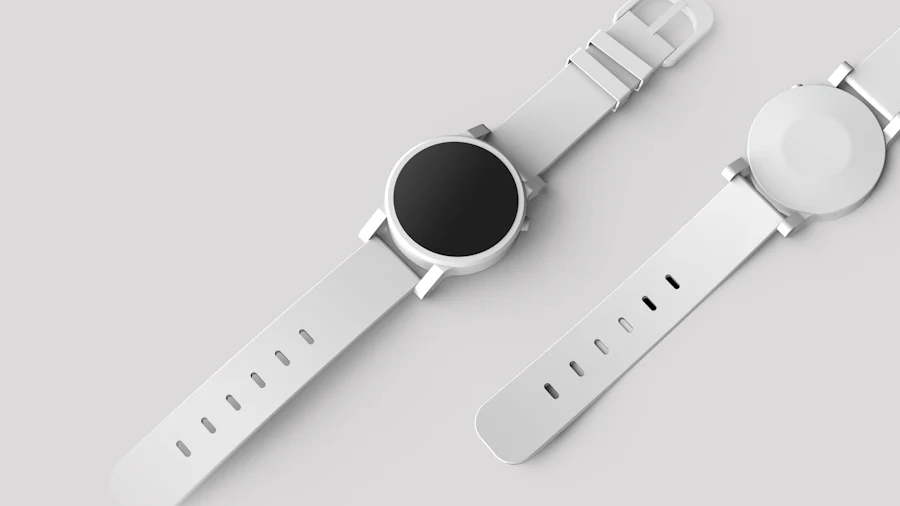
You don't need a studio to get clean, professional product photos. You need decent input and a consistent process. Here's the exact recipe my team uses to turn phone snaps into a coherent catalog.
Start with flat, even light
The one thing you can't fully fix later is harsh, directional light with blown highlights. Shoot near a large window on an overcast day, or bounce a lamp off a white wall. You're aiming for soft, even illumination — the AI handles color and polish, but it can't recover detail that the highlight clipped away.
Lock your framing
Consistency is what makes a set of photos look "shot together." Use the same distance and angle for every item — a phone tripod and a taped mark on the table is enough. Identical framing means every downstream edit lands in the same place.
A catalog looks expensive when the photos look like a set, not a collection.
The three-step edit
- Remove the background and drop the product onto a clean white or branded color. Turn on edge refinement for anything with a soft or reflective edge.
- Auto-enhance to even out exposure and bring the true product color forward. This is where phone photos stop looking like phone photos.
- Apply a saved preset so every image gets the exact same treatment. Save it once, reuse it forever.
Batch the boring part
Once your preset is dialed in, run the whole shoot through batch processing. A morning of phone photos becomes a finished, on-brand catalog by lunch — which is roughly the moment we stopped paying for a photographer for routine shots.
The goal isn't to fake a studio. It's to remove the friction between "I have a product" and "I have a listing that converts." Good light in, consistent process through, and the AI takes care of the rest.
Build your catalog faster
Background removal, auto-enhance and batch presets — all on the free plan.
Start free